Rovli Coffee
Ordering, loyalty and wallet application
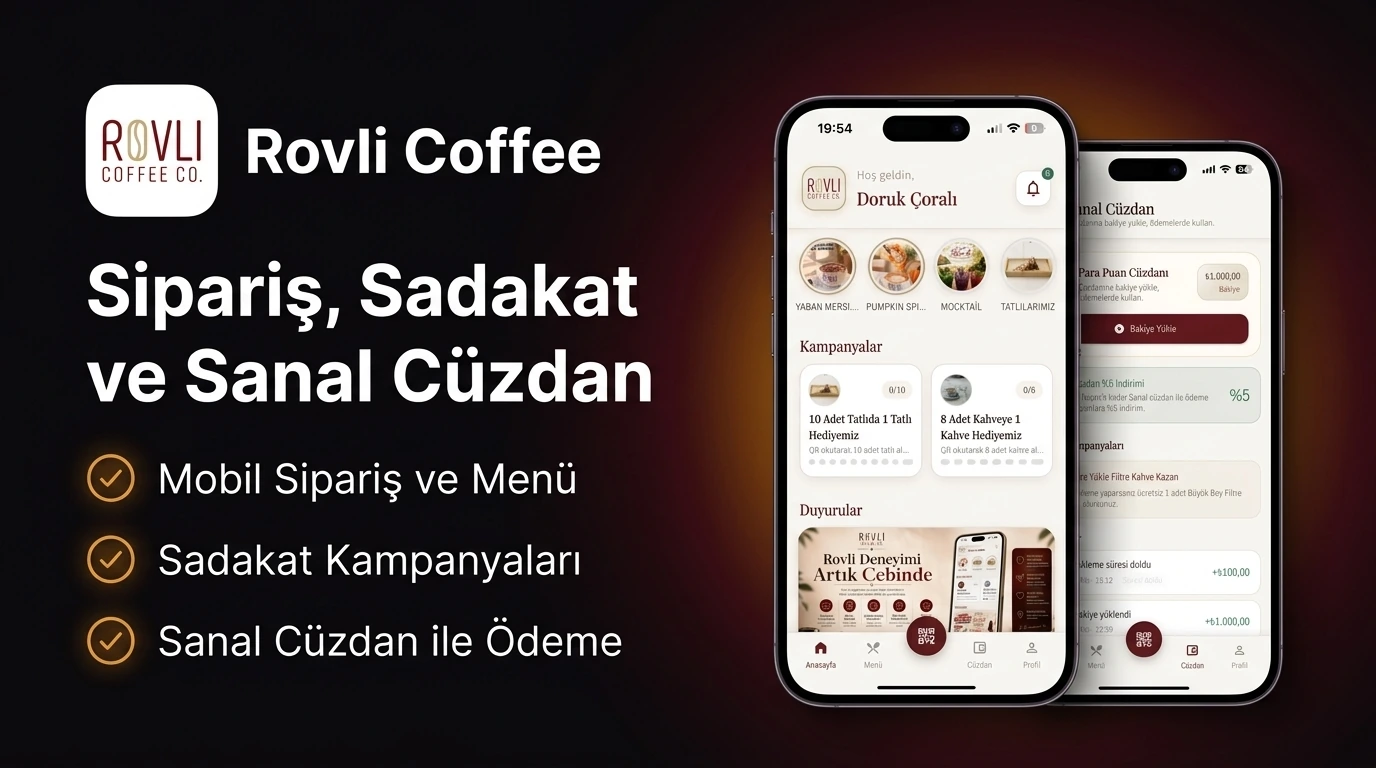
A mobile app where coffee customers can order and pay on their phones, manage their wallet and follow loyalty benefits.
- Who is it for?
- Coffee customers and business teams
- My contribution
- Independent project · Full-stack development
The need to solve
A customer’s ordering and payment experience must stay consistent with the business menu, POS, loyalty program and wallet operations.
What it enables
Place orders, pay by card or wallet and use loyalty discounts, with transactions connected to the business’s checkout system.
What I built
I developed ordering, payment, wallet and loyalty flows in the mobile application and on the server side. I connected customers’ actions in the app to the business’s checkout system.
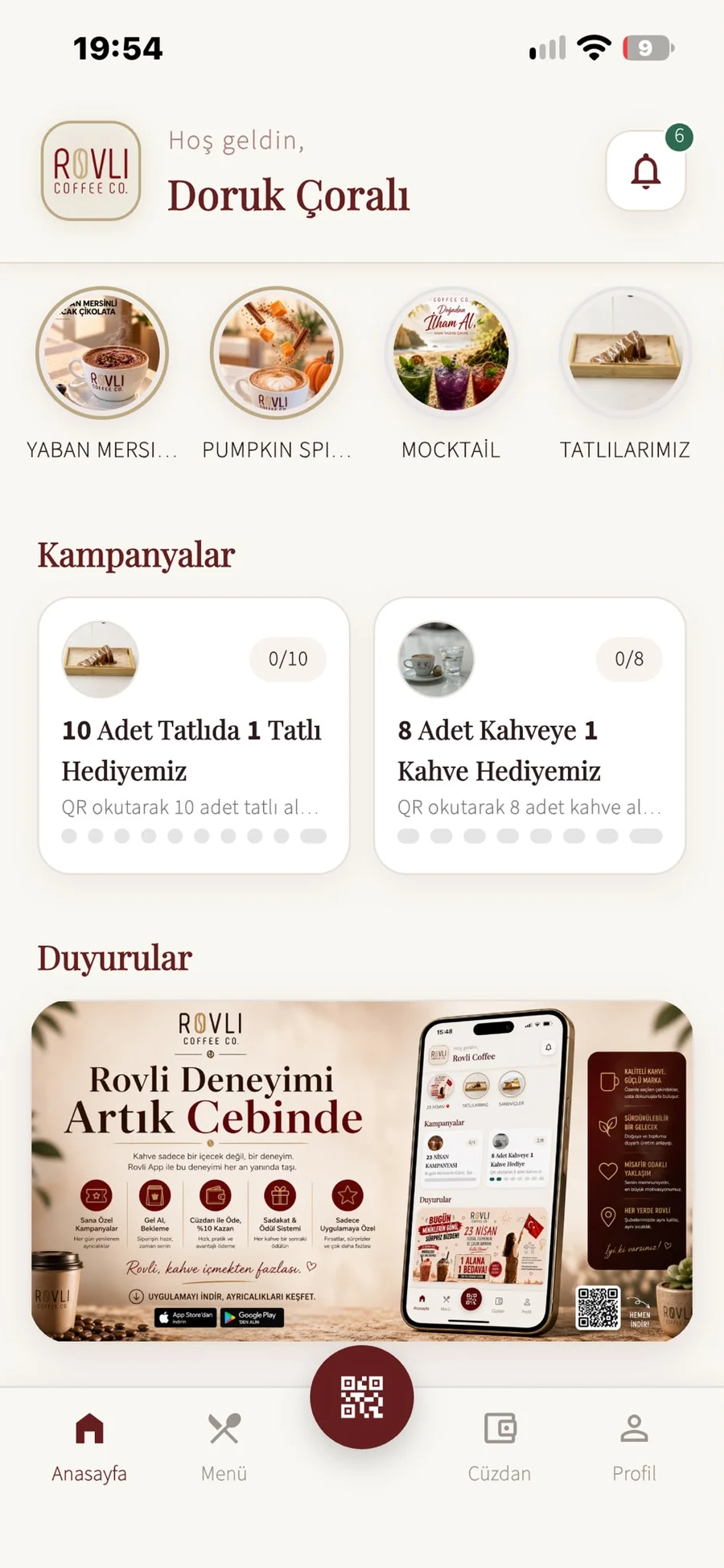
Application screens
From the menu to the till, from loyalty to business management: choose a section and explore Rovli through real app screens. The interface shown is Turkish.


Explore development details
For readers interested in the technical approach: workflows, technologies and implementation decisions.
How does the process work?
Ordering, the payment provider, POS and loyalty are parts of the same operation. Card and wallet paths differ, while timeouts require separate reconciliation.
Main flow
Explore the menu and options
Select products and variants in Flutter; Simpra menu mappings connect selections to order data.
Prepare the cart and discount
Keep product options and discounts in a consistent order snapshot.
Choose a payment method
Card payments take the VakıfBank 3D Secure path; wallet payments take the balance-reservation path.
Start 3D Secure verification
Prepare the enrollment request and hand the customer over to bank verification.
Verify the bank result
Validate the callback hash and authorization to establish the payment result.
Submit the order to POS
Create the Simpra check using product / variant mappings and send discount information.
Persist a consistent order and payment
PostgreSQL transactions, row locking and idempotency prevent repeated requests from duplicating the operation.
Connect wallet and loyalty flows
Connect the order result to the mobile client, wallet transactions and loyalty features.
Alternative and supporting processes
Wallet payment
- Reserve the balance
Check the wallet balance and reserve the order amount.
- Continue to the order path
Proceed to POS with the reserved amount. Capture or release the reservation once the POS result is known.
Provider failure or timeout
- Reconcile the operation
Check payment / POS state using idempotency information to resolve an uncertain result.
- Retry or compensate
Retry workers, cancellation and refund compensation reconcile the order and payment states.
The approach
- Built ordering, wallet and loyalty flows across a modular Go/Fiber backend and Flutter client, separating domain, application, infrastructure and transport layers.
- Integrated VakıfBank virtual POS for order payments and wallet top-ups, implementing 3D Secure enrollment, callback-hash verification and payment authorization.
- Integrated Simpra POS menu/variant mapping, check creation and loyalty discounts; wrote Go regression tests for provider errors and matching cases.
- Used PostgreSQL transactions, row locking and idempotency for payments and wallets; developed timeout handling, cancellation/refund compensation and retry workers.
Technologies
- Go
- Flutter
- PostgreSQL
- Redis
- S3
- 3D Secure
- Simpra POS